1. Log In to the System
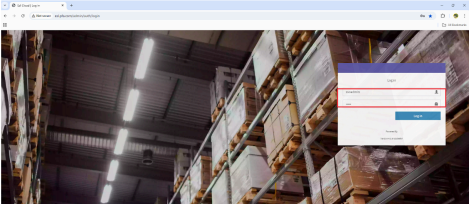
Go to: http://esl.pfa.com/admin/auth/login
Use the login credentials for the store you want to access.
2. Navigate to Device Settings
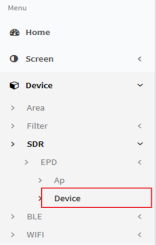
● After logging in, click on “Device” in the menu.
● Under Device, click on “SDR”.
● Then, click on “EPD”, and select “Device” again.
3. Search for the Item
Use the barcode or item code in the search bar to find the product you’re looking for. 4. Preview Tag Details
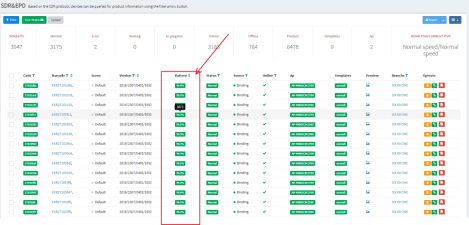
In the Battery section, you’ll see the ESL tag information like percentage of the battery. Image: